You’ve booked the perfect remote lodge, but there’s a nagging worry in the back of your mind: you still need to join work calls, stream a film for the kids, or simply let family know you arrived safely. Will the connection actually hold up, or will you spend your trip pacing around the lobby holding your phone toward the ceiling? Lodge wi-fi and connectivity is one of the most misunderstood parts of remote travel, and the gap between marketing claims and reality can be wide.
This guide walks you through what to realistically expect before you book. We’ll cover typical speeds at remote and luxury lodges, why your lodge’s location makes such a difference, and the common limitations like restricted coverage areas, limited hours and data caps. You’ll also find practical backup options using mobile data, local SIMs and travel routers, plus tips for planning video calls from the wilderness and choosing a lodge that matches your connectivity needs.
What Lodge Wi-Fi Speeds You Can Realistically Expect
Let’s start with the honest numbers. Most remote lodges deliver somewhere between 1 and 10 Mbps. That’s enough for sending emails, browsing the web, checking messages and even streaming video in standard definition. What it won’t do is handle 4K streaming, large file uploads or multiple guests trying to do all of these things at the same time.
Higher-end properties are a different story. Luxury lodges more often invest in satellite internet and can offer speeds of 20 to 100 Mbps, which feels much closer to what you’d have at home. There’s a catch, though: satellite connections commonly come with latency of 500 to 800 milliseconds, meaning the signal takes that long to travel up to the satellite and back. In practice, this makes live video calls feel delayed and awkward, even when the raw speed looks impressive on paper.
How to verify speed claims before you book
A “free Wi-Fi” line on a booking page tells you almost nothing. Some properties last tested their connection years ago, and others share one link between dozens of guests. Before booking, email the lodge directly and ask for recent speed test results, ideally run during high season when the connection is under real load. Ask which areas have coverage and whether the speeds hold up in the evenings when everyone is online. A lodge that can answer those questions quickly is usually one that takes its connectivity seriously; a vague reply is its own kind of answer.
Why Location Determines Lodge Connectivity
Where a lodge sits on the map matters more than any equipment it owns. Mountain and wilderness lodges are often built 1 to 3 km or more from the nearest mobile tower, and sometimes much farther. At that distance, phone signal frequently disappears entirely the moment you arrive on site. If your connectivity plan depends on mobile data, this alone can sink it, so check the property’s location relative to coverage maps before you assume anything.
Why valleys beat ridgelines
Valley and lakeside lodges usually get better mobile coverage than ridge-top or deep-forest properties. Lower ground with fewer obstructions between the lodge and a distant tower means signals travel more easily. A lodge perched on a ridge or tucked into dense forest may have spectacular views but a phone that shows “no service” all week.
Safari lodges bring their own wrinkle. Properties in remote conservancies frequently rely on a single satellite link shared by every guest, and that bandwidth thins out quickly when everyone logs on after the evening game drive. If you’re weighing up a safari stay, it helps to know what daily life at these properties actually involves — what a safari lodge offers and how the day is structured shapes when the connection gets busy. The key takeaway: ask the lodge where its internet comes from and how many guests share it.
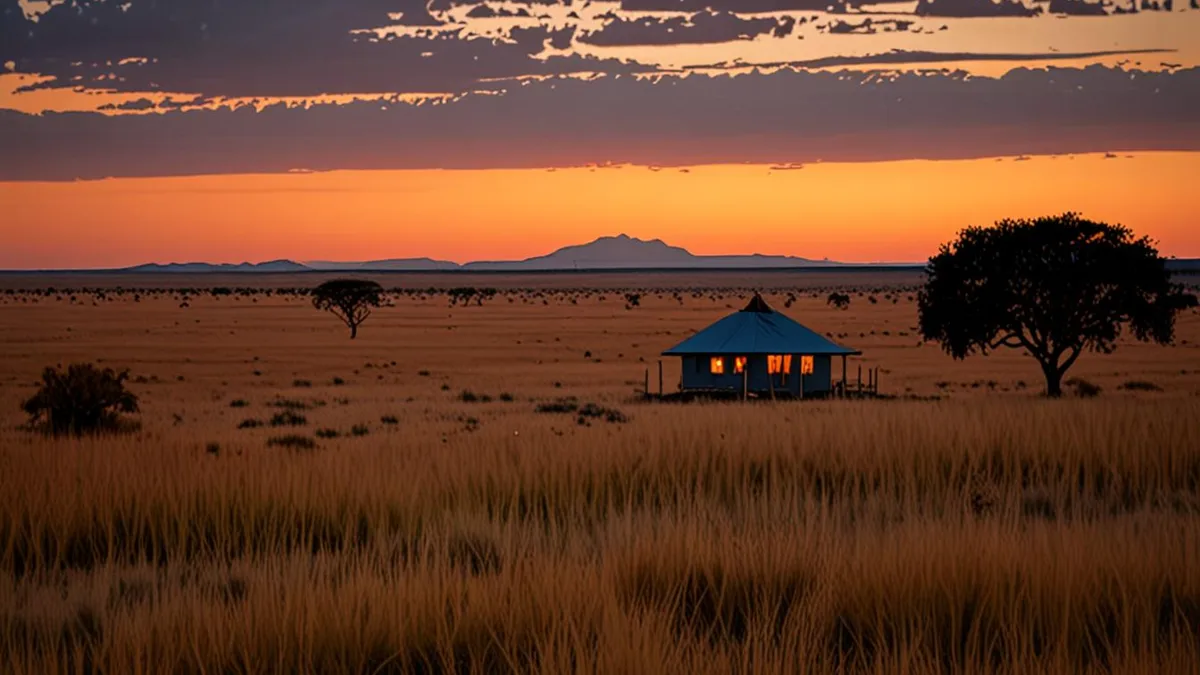
Common Lodge Wi-Fi Limitations: Coverage, Hours and Data Caps
Even when a lodge has a decent connection, how it’s delivered to you can be surprisingly restrictive. Many properties deliberately keep internet access out of the guest rooms, and others physically can’t reach them because of distance, thick walls or a weak signal source. Add in power constraints and shared bandwidth, and you get a handful of limitations that catch travelers off guard every season. Knowing them in advance turns a frustrating surprise into a manageable plan, and it also helps you choose which questions to ask before you commit to a booking.
The most common restrictions break down like this:
- Common-area-only coverage: many safari and mountain lodges restrict Wi-Fi to the lounge, dining area or reception, so you may need to walk across a cold courtyard at 6 a.m. just to send an email from your laptop. Ask exactly which spaces have coverage and whether the signal reaches the rooms.
- Overnight shutdowns: eco lodges running on solar power may switch off Wi-Fi for 6 to 12 hours daily, often overnight, meaning no late-night uploads or early-morning calls. If you work across time zones, this alone can shape your whole schedule.
- Data caps and device limits: some properties apply fair-use data caps or limit you to a single device per guest, which rules out syncing a laptop, phone and tablet at once. Large downloads and streaming can eat your allowance fast.
- Building materials: thick log or stone walls can kill the signal even a few meters from the router, so a charming timber cabin may have worse reception than the car park outside.
None of these are dealbreakers on their own, but together they change how you plan your day. If your itinerary depends on being online at specific hours, ask about each of these points before booking rather than discovering them on arrival. A short email to the lodge can save you days of frustration, and staff will usually answer honestly once you explain what you need.
Backup Options: Mobile Data, SIMs and Travel Routers
Even the best lodge Wi-Fi can fail at the worst moment, so a solid backup plan is what separates a relaxed stay from a stressful one. Over the years I have arrived at plenty of remote properties where the promised connection was down, restricted to a single corner of the lounge, or simply overwhelmed by other guests. The good news is that a little preparation before you leave home covers most of these scenarios. Here is exactly how I set up my connectivity kit for any remote lodge trip, whether it is a mountain cabin or a safari camp.
- Get a local SIM or eSIM first. Where any mobile coverage exists, a local SIM or eSIM on 4G or 5G typically delivers 5 to 50 Mbps, which is usually faster and more stable than the lodge network. Buy it in a city or airport before heading out, since rural shops rarely stock them.
- Bring a 4G travel router. These pocket-sized devices share a single SIM connection across your laptop, phone and tablet at once, and their external antennas can often pick up weaker signal than a phone alone. Position it near a window for the best result.
- Download everything before arrival. Offline maps, work documents, e-books and downloaded shows matter enormously in dead zones. Do it at home or at your last city stop, not on lodge Wi-Fi the night you arrive.
- Carry a power bank. Backup internet is useless if your phone is dead, and remote lodges sometimes limit power outlets in rooms. I travel with at least one 20,000 mAh unit plus the cables for every device I carry.
One final tip: check which mobile networks work in the lodge’s area before choosing a SIM, because coverage between carriers can differ dramatically in rural regions. A quick message to the lodge asking which network their staff use will tell you more than any coverage map. Pack this kit once and you will never dread a dropped connection again.
Planning Work and Video Calls From a Lodge Stay
If your trip involves actual work rather than just checking messages, lodge Wi-Fi deserves a spot at the top of your planning list. Remote connections are workable, but only when you know their limits before you commit to a schedule. I learned this the hard way after promising a client a call from a lakeside cabin with one bar of signal.
Start by understanding what video calls actually need: a stable 1 to 2 Mbps upload speed. Download speed means nothing for a call if the upload side stutters, so run a speed test on the morning you arrive, at the hour you would realistically be calling. If the numbers wobble, schedule around them rather than hoping for the best.
Booking with calls in mind
If daily calls are non-negotiable, filter your search for lodges with satellite internet, which commonly delivers 20 to 100 Mbps. Then confirm two things in writing: that the connection reaches the guest rooms, and that it is not shared with a queue of other guests in the lounge. Many safari and mountain lodges restrict Wi-Fi to common areas only, which makes private calls awkward at best.
Timing and fallbacks
Schedule important calls in the morning, when shared lodge bandwidth is least congested. By evening, every guest is streaming and uploading photos, and your call quality will suffer for it. Finally, always have a phone-call fallback plan: a local SIM with voice credit, or a set time to walk to a spot with mobile signal. When the connection drops entirely, a simple phone conversation saves the meeting.
Choosing Lodges by Connectivity Needs and Trip Type
Not every trip needs the same level of connectivity, and matching your lodge choice to your actual needs saves both money and frustration. A hiker who wants to post one photo a day has completely different requirements from a family of four streaming films every evening. Before booking, be honest about how connected you really need to be.
Digital nomads should put satellite internet and dedicated workspaces at the top of their criteria. Look for lodges that mention both specifically, and email to confirm the workspace includes a proper table and chair, not just a soft sofa in a shared lounge. Families should likewise check bandwidth honestly, since streaming in the evening demands far more capacity than a quick message check, and a shared satellite link can grind to a halt when several rooms watch movies at once.
It also helps to understand how different lodge tiers approach connectivity. Budget properties rarely invest in serious bandwidth, while high-end lodges increasingly treat fast internet as a selling point. If you are weighing safari options, this comparison of budget, mid-range and luxury safari lodges breaks down what each tier typically delivers.
- Remote safari and mountain lodges: unless connectivity is confirmed in writing, treat these as digital detox stays and tell colleagues and family you will be offline, so a slow connection never becomes a trip-ruining surprise.
- Longer stays: for trips over a week, ask the lodge whether bandwidth is throttled after a data threshold, since fair-use policies tend to bite hardest for guests who stay longest.
- Shoulder-season bookings: ask how many other guests share the connection during your dates, because a satellite link that feels fine with four guests can crawl with fourteen.
Whichever trip type you choose, getting your connectivity expectations in writing before you pay is the single most useful habit you can build.
Wrapping Up Your Lodge Connectivity Plan
So, will the connection hold up on your remote lodge stay? At most properties, expect 1-10 Mbps — fine for email, browsing and standard-definition video, but not for 4K streaming. Higher-end lodges with satellite internet can reach 20-100 Mbps, though the delay on live calls can still be noticeable. The key is to ask before you book.
Confirm directly with the lodge where the Wi-Fi works, which hours it’s on, and what backup options exist if it drops. Then treat lodge Wi-Fi as a bonus rather than a guarantee: download maps, documents and entertainment in advance so a dead connection never ruins your plans. If a lodge stay or connectivity tip helped you, share it or leave a comment below.